

Quickstart
Try the app end-to-end on a throwaway Docker stack with demo zones, in about two minutes.
On this page
Get a working PowerDNS-AuthAdmin - with a bundled PowerDNS Authoritative and 10 demo zones - running locally in a couple of minutes. This is for evaluation and clicking around. For a real deployment, read Installation.
Prerequisites#
- Docker with the Compose plugin (
docker compose version≥ v2). - Ports 3000 (app), 8081 (PowerDNS API), and 5300 (demo DNS) free.
Run the demo stack#
git clone https://github.com/PowerDNS-AuthAdmin/powerdns-authadmin.git
cd powerdns-authadmin
docker compose up -d
The first run pulls the app + PowerDNS images; subsequent runs start instantly. When the containers report healthy:
- App → http://localhost:3000
- PowerDNS API → http://localhost:8081/api/v1 (header
X-API-Key: demo-pdns-api-key) - Demo DNS →
dig @127.0.0.1 -p 5300 example-1.demo SOA
Log in#
admin@example.com | |
| Password | change-me-now |
You'll be asked to set a new password on first login.
Warning
The demo stack reads .env.example directly, which ships
public, throwaway APP_SECRET_KEY / APP_ENCRYPTION_KEY and a known
admin password. Never expose it to a network you don't control. Spin up a
real install with the Installation guide.
What you get#
The demo's provisioning.minimal-demo.yaml
registers the bundled PowerDNS as a backend and generates 10 zones with 10
records each, so the dashboard, zone list, and record editor have real data on
first load. Things to try:
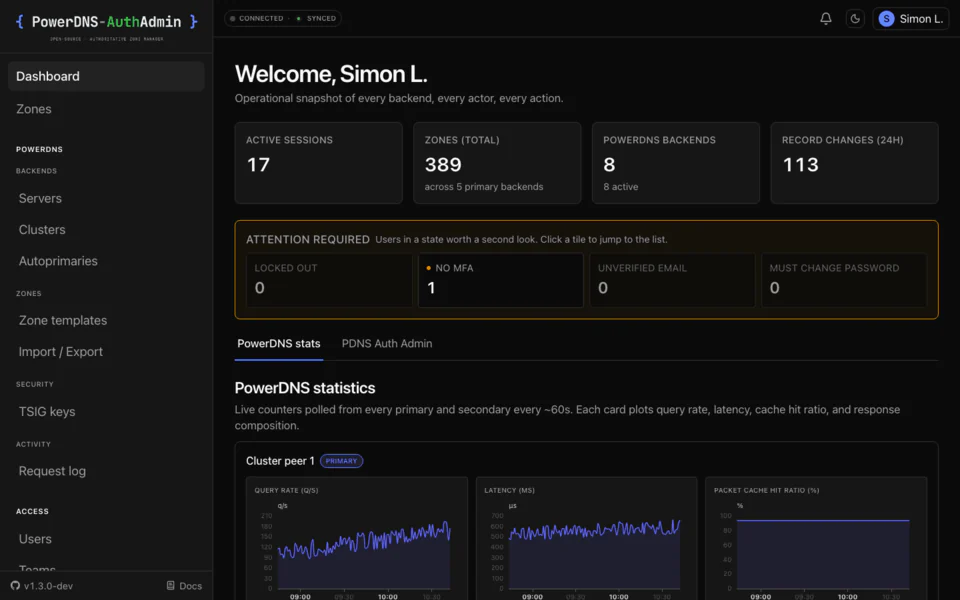
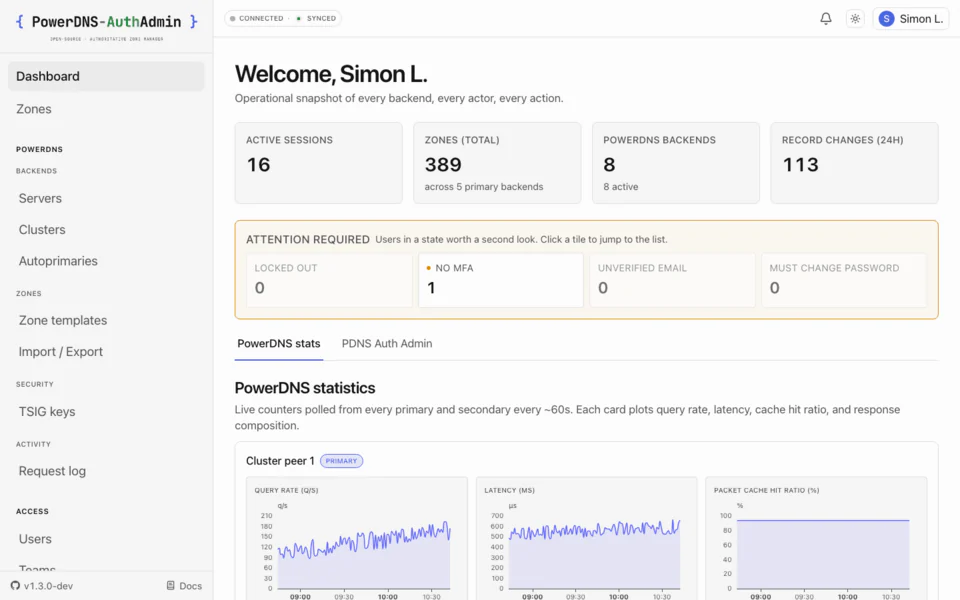
- Dashboard - live PowerDNS statistics and operator-attention surfaces.
- Zones - the amalgamated zone list. Open one, edit an RRset, and watch the diff-before-apply preview before you save.
- Admin → PowerDNS servers - the backend's reachability and version.
- Admin → Audit log - every change you just made, with before/after diffs.
Tear it down#
docker compose down          # stop containers, keep data volumes
docker compose down -v       # stop AND delete all data (fresh start next time)
Next steps#
- Deploy for real: Installation (SQLite or Postgres, TLS, backups).
- Connect your own PowerDNS: Connecting PowerDNS backends.
- Add SSO: OIDC single sign-on.
- Automate setup: First-boot provisioning.