

OIDC single sign-on
Set up SSO with any OpenID Connect provider and map IdP groups to roles.
On this page
PowerDNS-AuthAdmin authenticates users against any standards-compliant OpenID Connect provider using Authorization Code flow with PKCE. On top of plain sign-in it can map IdP groups to roles (with global / team / zone / server scope) and do RP-initiated logout so signing out ends the session at the IdP, not just locally.
The three ways to configure OIDC - and how they relate#
This is the part that trips people up, so read it once carefully. There are two storage mechanisms - a database table and the environment - and they coexist:
   DB providers        ┌─────────────────────────────────────────────┐
   (editable)          │  oidc_providers table - the full-featured    │
                       │  path: many providers, group→role mapping,   │
                       │  icons, per-provider options                 │
   written by  ───────►│   • Admin UI:  /admin/authentication         │
                       │   • Provisioning:  the `oidc:` YAML block     │
                       └─────────────────────────────────────────────┘
                              +   (both are shown together)
   env provider        ┌─────────────────────────────────────────────┐
   (read-only)         │  OIDC_* environment variables - ONE provider,│
                       │  badged "Configured by ENV", edited via env. │
                       │  No group→role mapping, no icon.             │
                       └─────────────────────────────────────────────┘
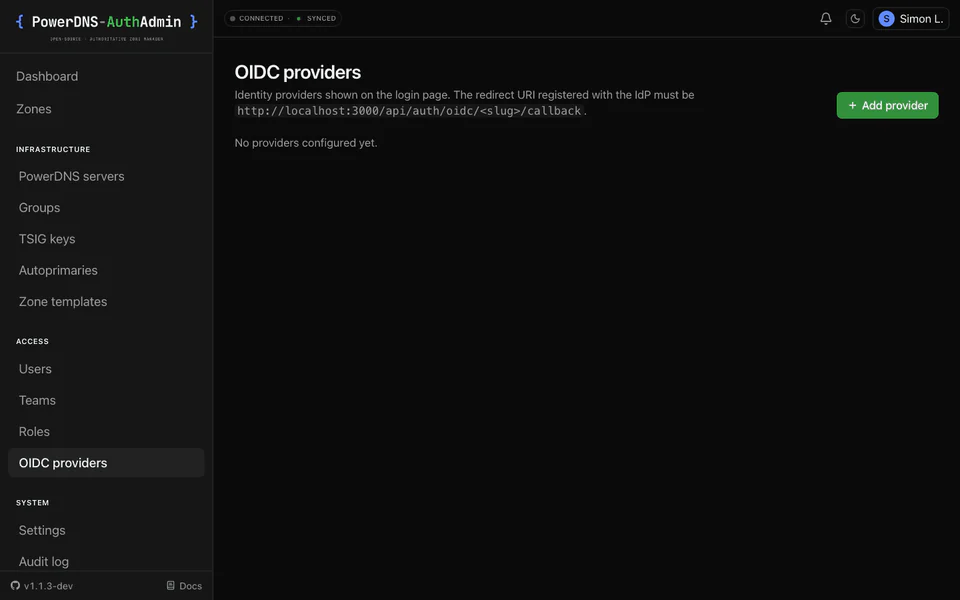
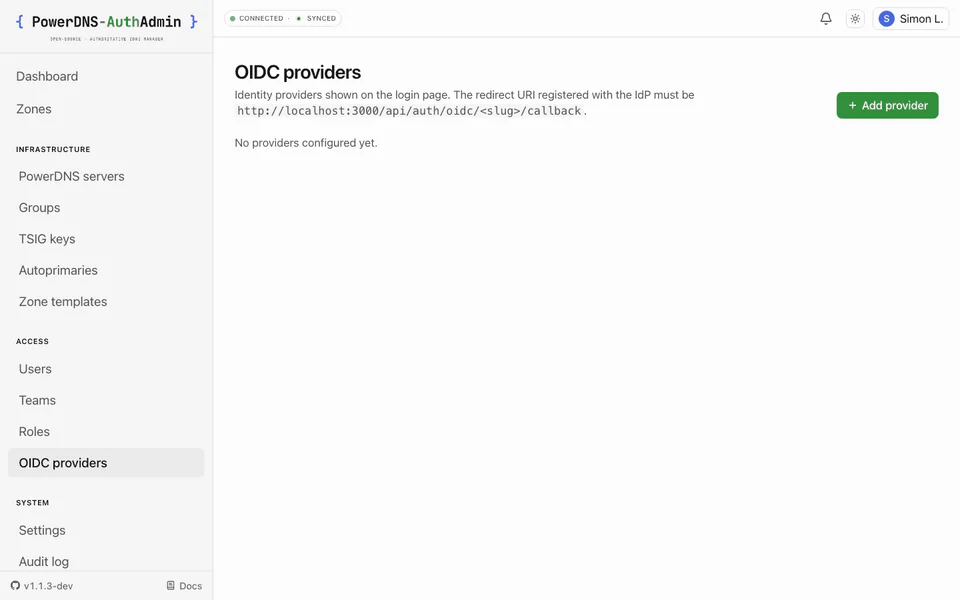
How they coexist: the env-configured provider is always offered - on the login page and listed (read-only) in Admin → Authentication with a "Configured by ENV" badge. It is not a hidden fallback; it appears alongside any DB providers. The only interaction is slug collision: if a DB provider has the same slug as the env provider, the DB provider shadows it (taking precedence on the login page and in the dispatcher). Otherwise both show and both work.
Env (OIDC_*) | Provisioning (oidc: block) | Admin UI | |
|---|---|---|---|
| Stored in | environment | oidc_providers table | oidc_providers table |
| Number of providers | exactly one | many | many |
| Shown on login page | always (unless a DB provider shadows its slug) | when enabled | when enabled |
| Editable in the UI | ❌ read-only - badged "Configured by ENV" | ✅ | ✅ |
| Group → role mapping | ❌ no | ✅ yes | ✅ yes |
| Login-button icon | ❌ no | ✅ yes | ✅ yes |
Per-provider email-domain / requireEmailVerified | ❌ (env-level only) | ✅ yes | ✅ yes |
| Changed by | editing env vars + restart | YAML on first boot | clicking in the UI |
Provisioning and the Admin UI are the same mechanism - both create/edit rows
in oidc_providers. Provisioning just populates them once on first boot; after
that the UI is the source of truth. (Provisioning creates + updates by slug and
never deletes.) The env provider is the separate, read-only one.
Which should I use?#
- Just kicking the tyres / one IdP, no group mapping? The env path needs no
database writes - set
OIDC_ENABLED=true+ the five required keys. It shows up as a read-only "Configured by ENV" provider. - Real deployment, want group → role mapping or more than one IdP? Use DB providers - define them in provisioning for reproducible installs, or add them in the Admin UI for click-ops.
- Already on env OIDC and want group mapping or to edit it in the UI? Recreate
it as a DB provider (UI or provisioning). Using the same slug shadows the env
one and reuses the redirect URI you already registered; you can then drop the
OIDC_*vars at your next restart.
The redirect (callback) URL#
Whatever path you choose, register this redirect URI with your IdP:
<APP_URL>/api/auth/oidc/<slug>/callback<APP_URL>is your public URL (e.g.https://dns.example.com).<slug>is the provider's slug -OIDC_PROVIDER_IDfor the env provider, or the provider'sslugfor a DB provider.
Example: https://dns.example.com/api/auth/oidc/company-sso/callback.
The sign-in is initiated at /api/auth/oidc/<slug>/initiate; the login page links
to it automatically.
Setup walkthrough (DB provider - the recommended path)#
- At the IdP, register a new OIDC/OAuth confidential client:
- Redirect URI:
<APP_URL>/api/auth/oidc/<slug>/callback - Grant type: Authorization Code (PKCE; the app sends
S256) - Scopes:
openid profile email(addgroupsif you want group mapping) - Note the issuer URL, client ID, and client secret.
- Redirect URI:
- In PowerDNS-AuthAdmin, go to Admin → Authentication → Add provider → OIDC and
fill in slug, name, issuer, client ID/secret, scopes. (Or define the same
thing in the
oidc:provisioning block - see Provisioning.) - Sign out and sign in with the new provider button. A brand-new email is auto-provisioned as a user with no roles until a group mapping or an admin grants one.
Scopes and claims#
- Scopes default to
openid profile email. To use group mapping, request the claim that carries groups - commonlygroups(Keycloak/Authentik) orroles, and add the matching scope your IdP requires (oftengroups). - Claim mapping lets you point at non-standard claim keys:
claim_email,claim_name, andclaim_groups(defaultgroups). Most IdPs need no changes. requireEmailVerified(DB providers only, default on): the callback rejects a sign-in unless the IdP assertsemail_verified: true. Relax it only for IdPs that never emit the claim (some SAML→OIDC bridges).
Group → role mapping#
DB providers carry a list of group mappings. On every successful sign-in, the user's groups claim is matched against the rules; each match yields a role assignment tagged to this provider. The next sign-in revokes assignments the user no longer qualifies for - so group membership at the IdP stays the source of truth. Admin-issued assignments (not tagged to a provider) are never touched.
Each mapping is group → role @ scope. Scope syntax:
| Scope | Applies to |
|---|---|
global | everywhere |
team:<slug> | the named team |
zone:<zone-name> | one zone (canonical FQDN, trailing dot - e.g. corp.example.) |
server:<slug> | every zone on one backend |
Example (provisioning YAML - the UI exposes the same fields):
group_mappings:
  - { group: pdns-superadmins, role: super-admin, scope: global }
  - { group: noc-zone-editors, role: zone-editor, scope: "team:noc" }
  - { group: corp-zone-readers, role: read-only, scope: "zone:corp.example." }
  - { group: public-dns-only, role: zone-editor, scope: "server:primary-public" }
Custom roles work here too - reference them by slug. Mappings whose role/team/
server can't be resolved at sign-in are logged + audited
(auth.group_sync.mapping_unresolved, with the provider slug in after.provider)
and skipped; the rest of the sign-in proceeds. See
Roles & permissions for the role catalog.
Restricting who can sign in#
allowed_email_domains(DB provider) /OIDC_ALLOWED_EMAIL_DOMAINS(env): an allow-list applied to new users' email domains. A first-time sign-in for an email outside the list is rejected before any user row is created. Existing users keep signing in regardless. Empty/unset = no restriction.- A user can still be disabled in the admin UI to block sign-in entirely, regardless of IdP state.
Convenience options (DB providers)#
- Default sign-in method - pick which provider
/loginauto-redirects to from the dropdown at the top of Admin → Authentication. Replaces the retired per-providerforce_defaultcheckbox: there's now one global default across the whole app, including a "Local Auth" choice that just shows the form. Recovery escape hatch:…/login?force-local=1shows the local form regardless of the setting. Existing deployments are migrated automatically at upgrade time (the most recently created enabledforce_default=trueprovider wins). icon_url- anhttps://logo shown on the login button.enabled: false- keep a provider configured but hidden from the login page.
RP-initiated logout#
When an OIDC user signs out, the app uses the IdP's end_session_endpoint with
an id_token_hint so the session ends at the IdP too - not just locally. No
configuration needed beyond a provider whose discovery doc advertises the
endpoint.
When the IdP doesn't advertise end_session_endpoint#
Without it, the logout route falls back to the local /login?signed-out=1
redirect. On its own that's fine - but if the Default sign-in method is an
IdP, the next /login render would normally auto-redirect to it. With the
IdP's session cookie still valid, the user gets silently re-auth'd and never
sees a logout confirmation.
Two defences are in place:
- A 60-second
pda_just_logged_outcookie is set on every logout. The/loginserver component skips the default-provider auto-redirect while that cookie is present, so the operator always lands on the local form first. - The Authentication page shows a "no end-session" warning chip on any
OIDC provider whose last discovery probe didn't return
end_session_endpoint. Hit Test on a provider to refresh the probe.
Enabling end_session_endpoint on common IdPs#
- Keycloak (≥ 18) advertises it by default. If yours doesn't, enable Front Channel Logout or set a Backchannel Logout URL on the client.
- Authentik advertises it on every OIDC provider. If missing, check
that the application's "Sign out" flow is set (defaults to a system flow
named
default-invalidation-flow). - Microsoft Entra ID advertises a
end_session_endpointper tenant - the discovery doc includes it automatically. - Google Workspace does not surface
end_session_endpoint. Local fallback is the only option there; the just-logged-out cookie covers the immediate case. - AD FS (Windows Server 2019/2022) exposes
passive_logout_endpointin its WS-Federation metadata butend_session_endpointis only present when the OIDC endpoint is explicitly configured. Refer to the AD FS PowerShellSet-AdfsRelyingPartyTrust ... -SignOutEndpoint.
MFA and SSO users#
SSO-only users (no local password) can't enrol local TOTP - the IdP is their second-factor authority, so the in-app MFA toggle is greyed out for them. If you want MFA for SSO users, enforce it at the IdP. Local-password users can still enrol TOTP, and roles can be marked MFA-required (see RBAC).
IdP-specific notes#
| IdP | Issuer URL | Groups |
|---|---|---|
| Keycloak | https://<host>/realms/<realm> | Add a Group Membership mapper named groups; request scope groups. |
| Authentik | https://<host>/application/o/<slug>/ | Add a Groups scope mapping; claim groups. |
| Google Workspace | https://accounts.google.com | No groups claim - use it for sign-in; assign roles in-app or by domain. |
| Microsoft Entra ID | https://login.microsoftonline.com/<tenant>/v2.0 | Add a groups claim (emits group object IDs - map those IDs in group_mappings). |
| Okta | https://<org>.okta.com | Add a groups claim to the ID token via a claim filter. |
For all of them, the redirect URI to register is
<APP_URL>/api/auth/oidc/<slug>/callback.
Troubleshooting#
redirect_urimismatch - the URI at the IdP must match<APP_URL>/api/auth/oidc/<slug>/callbackexactly, including scheme and host. A wrongAPP_URLis the usual cause.- My env provider isn't showing - it only hides when a DB provider has the
same slug (which shadows it); otherwise check
OIDC_ENABLED=trueand that all five required keys are set. It always appears read-only ("Configured by ENV") when configured. - Groups aren't mapping to roles - env providers can't map groups (use a DB
provider); confirm the IdP actually emits the groups claim and that
claim_groupsmatches; check the audit log formapping_unresolved.
See Troubleshooting for more.